How to Build a Project Roadmap from Scratch
From Zero to Hero: Navigating the Project Lifecycle
Building a project roadmap can feel like trying to solve a puzzle where the pieces haven't even been manufactured yet. You have a general idea of the finished picture, but no clear sense of how to get there. Many people make the mistake of jumping straight into a spreadsheet or a Gantt chart, only to find themselves stuck an hour later because they don't have enough information. A successful roadmap isn't just a list of dates; it's a strategic narrative that explains the What, the Why, and the How of your project. It requires a structured approach that moves from abstract ideas to concrete actions.
With our new integrated toolkit, building a roadmap from scratch has never been easier. You can now follow a logical progression that mirrors the natural way our brains plan complex tasks. By using Noteboards for discovery, Gantt Charts for structure, and Kanban Boards for execution, you can build a roadmap that is both ambitious and achievable. This post is your ultimate guide to this process, taking you from a blank screen to a fully-realized project plan that will impress your stakeholders and guide your team to success.
Phase 1: Discovery and Ideation (The Noteboard)
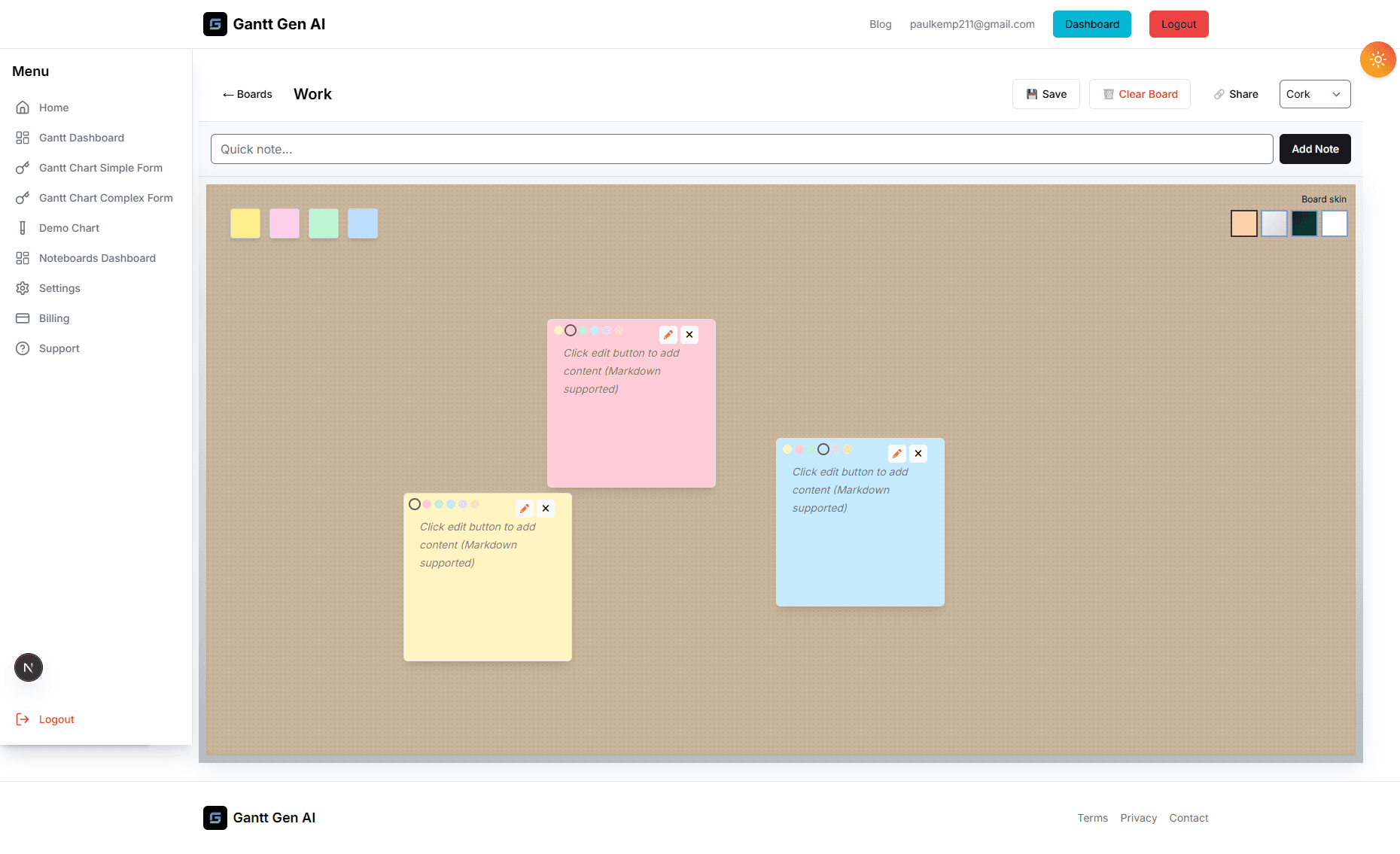
Every great roadmap begins with a 'Why'. Before you think about tasks and deadlines, you need to define your core objectives. Open a new Noteboard and start by pinning a central note: 'What does success look like for this project?'. Use the surrounding space to capture everything related to that goal. What are the client's requirements? What are the technical constraints? What are the 'Nice-to-Have' features we should consider if we have extra time?
Don't worry about organization yet. This is the 'Divergent Thinking' phase. The goal is to get every single requirement and idea out of your head and onto the board. Encourage your team to add their own notes. Use different colors to represent different types of information (e.g., green for 'Goals', red for 'Risks', blue for 'Resources'). By the end of this phase, you should have a visual representation of the project's 'Universe'. It might look chaotic, but it contains all the DNA needed to build your roadmap.
Phase 2: Synthesis and Milestone Definition
Now it's time to find the 'Signal in the Noise'. Look at your Noteboard and start grouping related ideas. You'll quickly see that your scattered thoughts naturally form 4-6 major 'Themes' or 'Work Streams'. For a product launch, these might be 'Product Development', 'Marketing & PR', 'Sales Training', and 'Customer Support'. These themes are the foundation of your roadmap. They will become your top-level 'Summary Tasks' in the Gantt chart.
Next, identify the 'Milestones' for each theme. A milestone is a significant point in time that marks the completion of a major deliverable. 'Design Approved', 'Beta Launch', 'Final Quality Audit'—these are the 'North Stars' that your team will aim for. By defining these milestones first, you create the skeleton of your roadmap. You aren't worrying about every individual task yet; you're just setting the high-level pace of the project. This gives your roadmap immediate structure and clarity.
Phase 3: Building the Timeline (The Gantt Chart)
Now you're ready to move into the Gantt view. Take your themes and milestones from the Noteboard and enter them into the schedule. Now comes the 'Detective Work': estimating how long each phase will take. Talk to your team members and get their input. Be realistic—it's always better to 'under-promise and over-deliver' than the other way around. Add in your 'Dependencies'. If the 'Sales Training' can't start until the 'Product Beta' is ready, link those two tasks.
As you add durations and links, you'll see your roadmap come to life. You'll see the 'Critical Path'—the specific sequence of tasks that determines your final launch date. This is the moment where the project becomes 'Real'. You can now show this view to your stakeholders and say with confidence, 'If we start on X, we will finish on Y'. The Gantt chart provides the strategic blueprint that ensures everyone is aligned on the long-term goals.
Phase 4: Operationalizing the Plan (The Kanban Board)
A roadmap is useless if it just sits on a shelf. To make it happen, you need to turn those high-level phases into daily actions. This is where the Kanban board comes in. Take the tasks from your first major milestone and 'operationalize' them. Break them down into cards that represent 4-8 hours of work. Assign them to team members and move them into the 'To Do' column.
Your Kanban board is the 'Engine Room' that drives the roadmap forward. By focusing on the immediate tasks needed to reach the next milestone, you keep the team focused and motivated. You don't need to look at the whole roadmap every day; you just need to move your cards from left to right. Because our platform syncs these views, as you finish tasks on the Kanban board, the progress bars on your Gantt chart will update automatically. You're building a 'Self-Updating Roadmap' that reflects the reality of your work in real-time.
Conclusion: The Roadmap as a Living Document
The most important thing to remember is that a roadmap is not a contract; it's a guide. As you move through the project, you will inevitably learn new things and encounter unexpected challenges. Don't be afraid to adjust. Revisit your Noteboard to brainstorm solutions to new problems. Update your Gantt chart to reflect new deadlines. Adjust your Kanban board to prioritize new tasks. By using this integrated, multi-view approach, you aren't just building a plan; you're building a system for success. You're giving yourself the flexibility to adapt and the structure to deliver. Start your next project with this four-phase approach and watch your roadmap become a reality.